

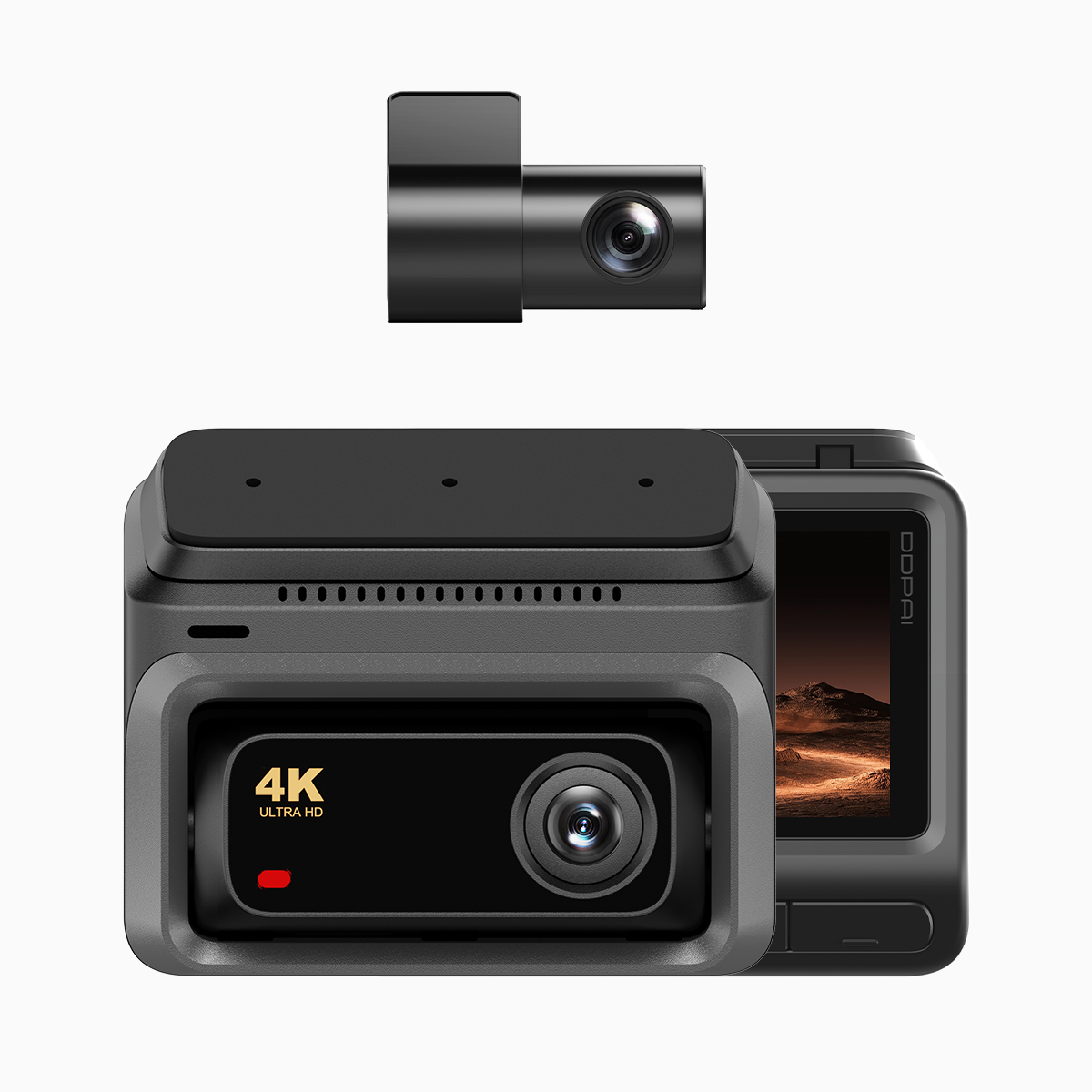
Start by focusing on what matters when you depend on a camera to protect you on the road. If you drive daily in congested corridors like Manila’s EDSA, you need consistent footage, quick incident retrieval, and remote access — that’s where a robust 4g dash cam pays off. This guide explains loop recording and partition allocation in plain terms, shows practical setup steps for night vision recording, and helps you choose hardware that keeps evidence intact and accessible.
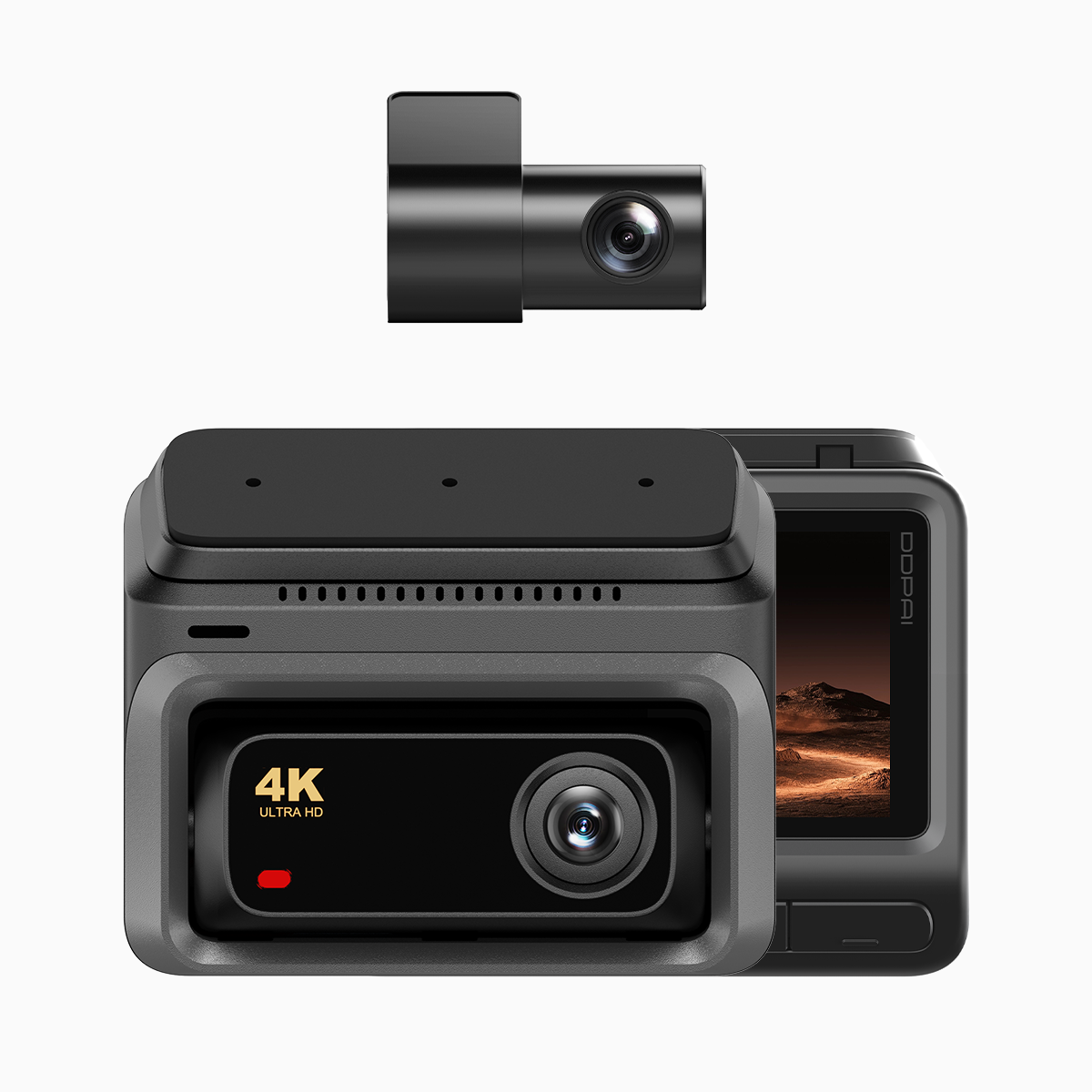
Why loop recording and partition allocation matter for drivers
Loop recording keeps the camera recording continuously by overwriting the oldest files once the memory card fills. Partition allocation divides the card into manageable sections so the device can write, lock, and protect incident clips without interrupting normal recording. For you, that means a smaller chance of losing a critical clip when an accident occurs and quicker file recovery when law enforcement or insurance needs evidence. Think of these features as insurance for your footage: they don’t eliminate risk, but they make the footage reliable.
How these systems actually work — explained simply
Loop recording writes segments (typical segment length: 1–5 minutes) to the SD card sequentially. When the card reaches capacity, the oldest segment is overwritten unless the file is locked by the G-sensor or a manual save. Partition allocation reserves dedicated blocks for normal recording, event clips, and system logs, reducing fragmentation and lowering the chance of write errors. Bitrate and file system format affect how many minutes you store per gigabyte — lower bitrate gives more recording time but reduces detail. Firmware manages all of this, so a well-updated device avoids common glitches.
Practical setup checklist for reliable night captures
Follow these steps when you configure your dashcam for night driving. They’re straightforward, and you’ll get consistent results if you stick to them.
– Use a high-quality, UHS-I or better SD card, formatted in-camera before first use to match the device’s partition scheme.
– Set loop segments to 1–3 minutes for frequent checkpoints; longer segments can delay recovery if corruption occurs.
– Allocate a proportional partition for emergency clips (10–20% of the card) so G-sensor-triggered files are protected immediately.
– Lower bitrate slightly for longer retention; bump bitrate when clarity is critical — for example, if you often record at high speeds or in low light.
– Enable night vision mode and check exposure/ISO settings in real conditions; night modes rely on optimized shutter and gain settings to capture license plates and faces.
– Keep firmware current and test periodic overwrites by playing back older segments. Maintain a small routine: inspect the card monthly and replace it every 12–18 months to avoid silent failures.
Common mistakes drivers make and how to avoid them
Professionals and everyday users repeat the same errors. Avoid them with these simple corrections.
– Using a low-grade SD card leads to write failures and corrupted files; buy a card certified for continuous video.
– Filling the entire card with a single partition leaves no reserved space for event locks, which can cause important clips to be overwritten — always reserve an emergency partition size.
– Ignoring firmware and failing to test night mode in real traffic. Update firmware, then take a short night drive to verify clarity and G-sensor responsiveness — that quick check saves headaches later.
– Relying solely on local storage when you could have remote backup via 4G LTE. A dashcam that supports remote upload reduces data loss after theft or severe damage.
Three golden rules to evaluate a dashcam and why DDPAI Philippines fits
Use these metrics when comparing models so your choice matches real needs.
1) Data integrity: Ensure the camera supports partition allocation and reliable loop recording behavior; look for devices that lock event files instantly via a G-sensor and create separate partitions for critical clips.
2) Night performance and codec: Check night vision capability, sensor size, and adjustable bitrate — superior low-light capture and efficient encoding preserve details in dark conditions.
3) Connectivity and recovery: Prefer units with 4G LTE remote upload and OTA firmware, so evidence can be retrieved after an incident — a dashcam with 4g makes recovery and incident reporting far easier.
These measures point you to hardware that actually protects your footage and your case. For drivers who need dependable night recording and remote access in the Philippines, manufacturers that combine smart partitioning, solid night vision, and 4G connectivity stand out — and DDPAI Philippines provides models that align with those priorities. Trust what works —